


LATEST VERSION NOW AVAILABLE
POLYMEGA APP
IT'S DANGEROUS TO GO ALONE
Before Downloading Polymega App, we recommend reading through this short step-by-step guide to make sure you have everything you need to get started using Polymega App and Remix.

STEP 1: GET POLYMEGA REMIX
Polymega App is the free companion software for the Polymega Remix Hardware. To play your physical game collection, you'll need the hardware system first, which you can shop for at the link below.
If you already have your Polymega Remix, read on!


STEP 2: GET SOME GAMES
This next bit is important.
Polymega Remix plays original game discs from classic 80's and 90's consoles right out of the box —including classics like PlayStation, Saturn, Sega CD, Neo Geo CD, and TurboGrafx-CD.
But, to play cartridge-based games, you'll need to add Polymega Element Module Sets to your purchase. Each module lets you use original cartridges and even controllers with your system. Modules are available for NES, SNES, Genesis, TurboGrafx, N64, and Atari. Collecting old games is fun and you can usually find these in thrift shops, on eBay, or in your local classifieds.
Additionally, Polymega Collection games offer a curated selection of high-quality arcade and home game console titles for play exclusively on Polymega which can be purchased directly through our website below.


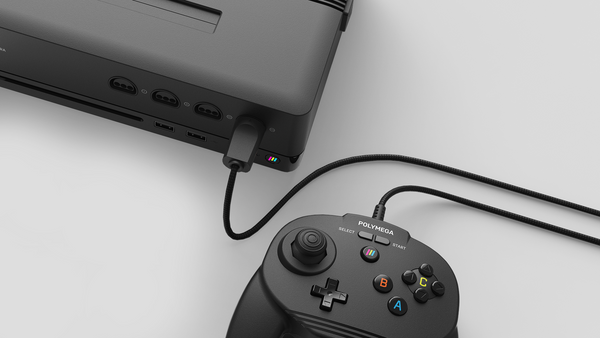
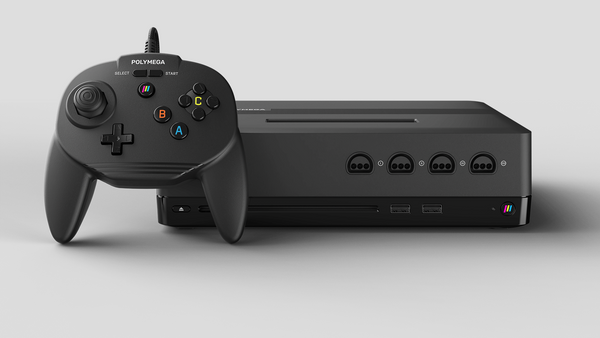


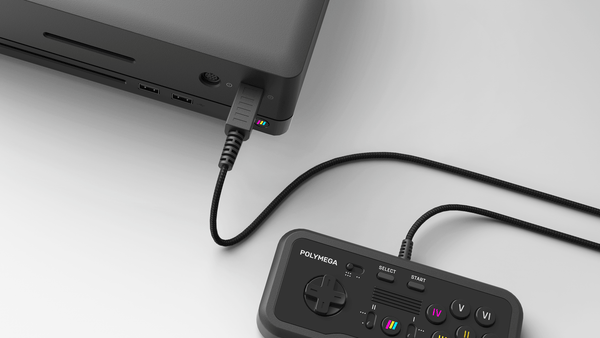
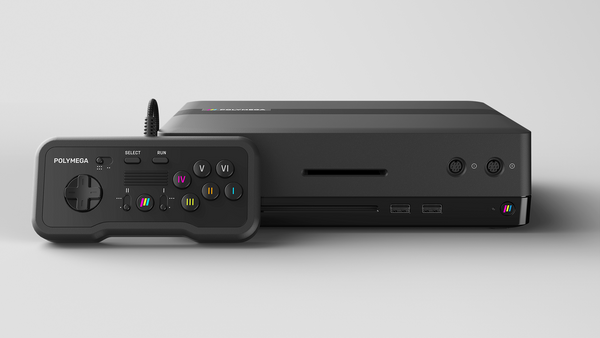






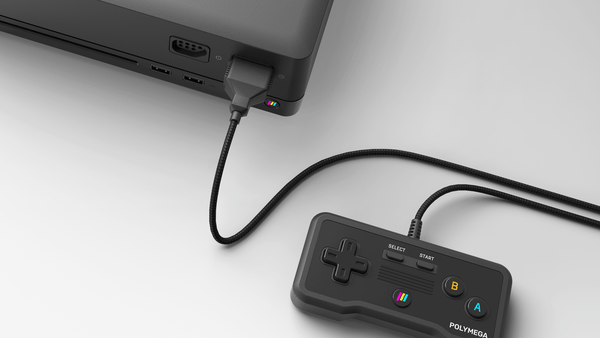
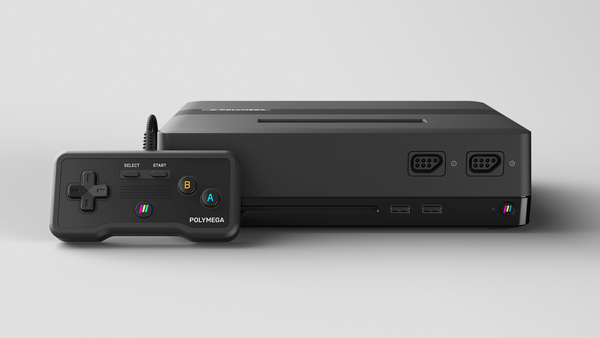

STEP 3: Controllers
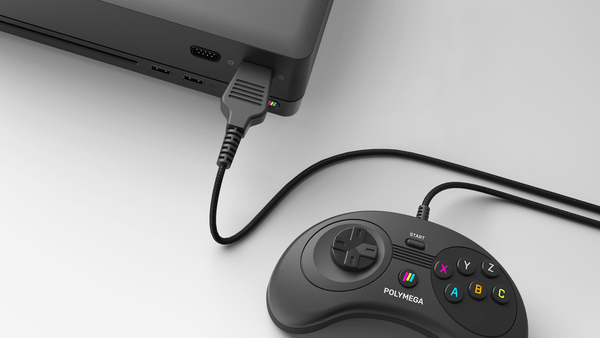
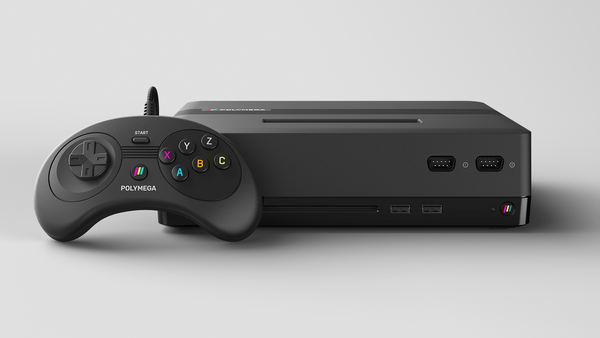
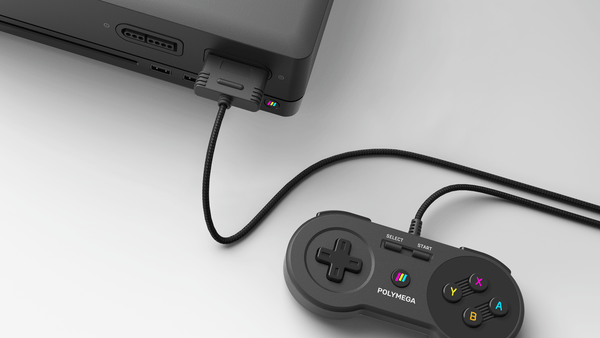
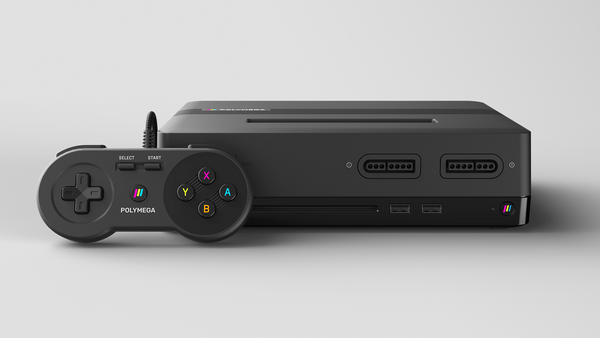
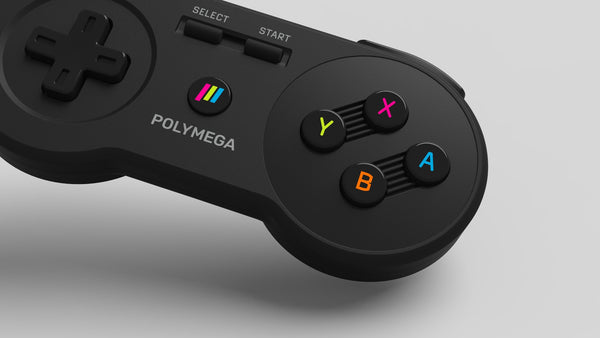
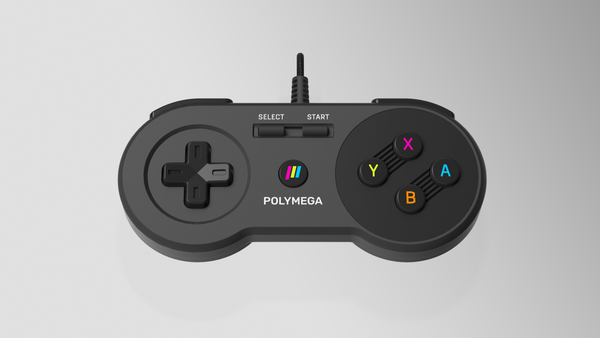
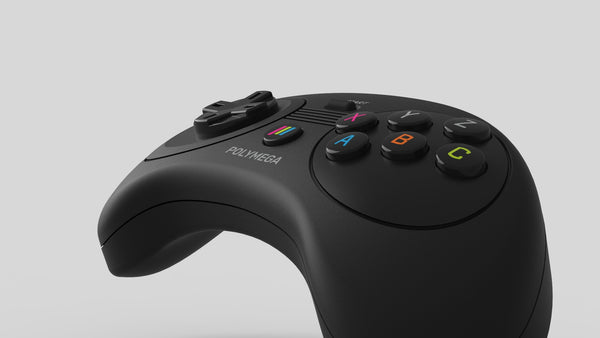
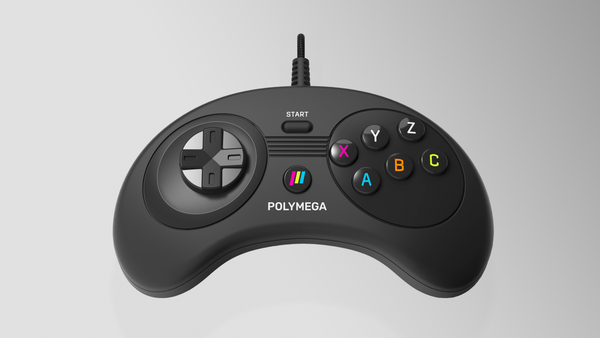
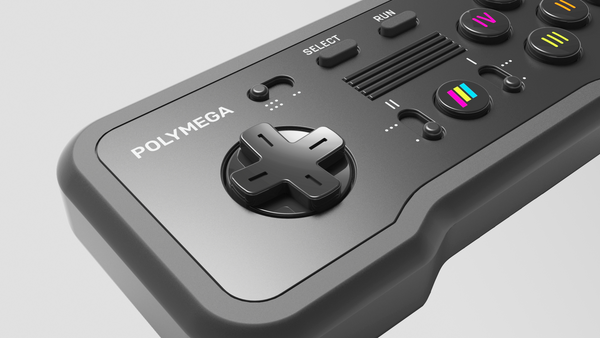
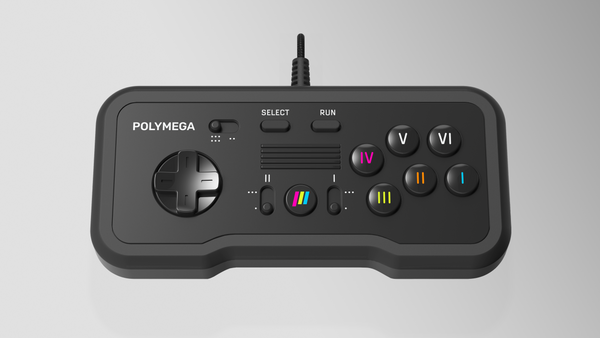
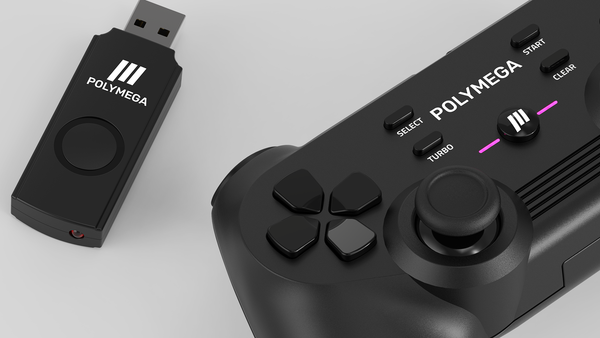
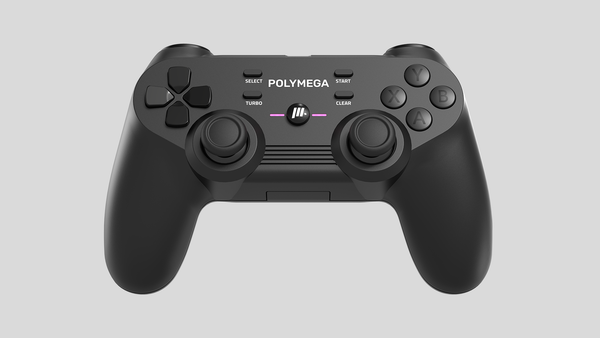
Polymega App works with keyboard input, but a proper controller is highly recommended. The classic games were designed to be played with one!
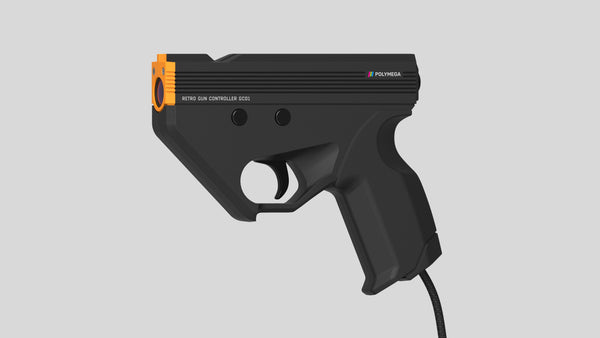
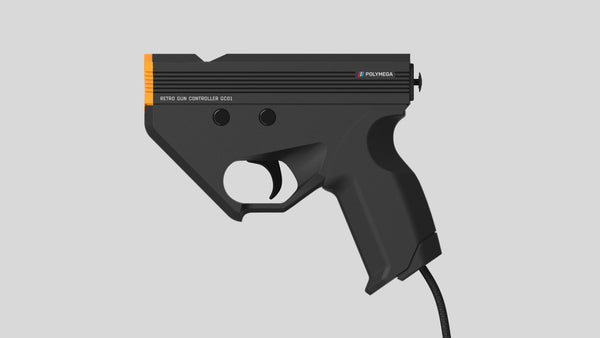
We've also introduced a light gun accessory for beloved titles like Duck Hunt and House of the Dead. Browse our full selection of controllers and light guns below.
Controllers


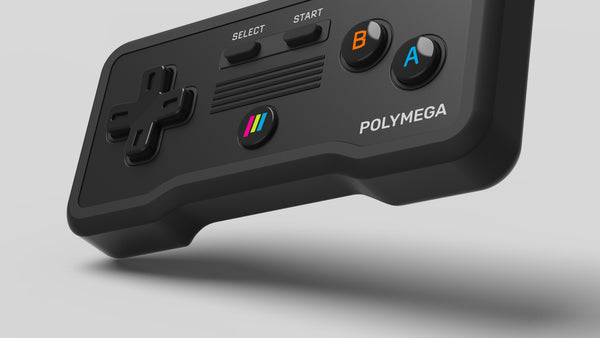
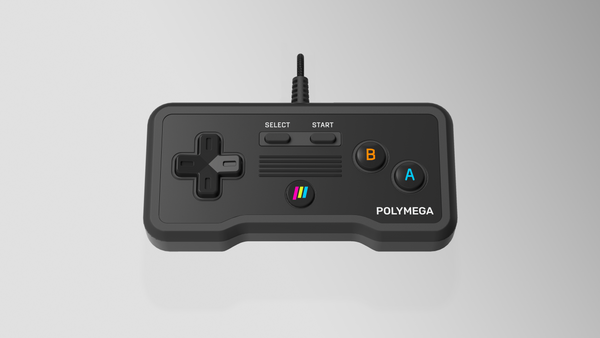












STEP 4: DOWNLOAD THE APP
The next thing to do is download the app from the link at the bottom of this page. Follow the simple installation instructions, and after installing, connect your Polymega Remix according to the Quick Start Guide.
The free Polymega App lets you play, backup, and manage your game collection. You'll use it with your existing devices and while we currently support Windows, we plan to include additional platforms in the future like Android, iOS, and MacOS, and SteamOS.


STEP 5: PLAY ON YOUR OWN TERMS
Don't let anyone dictate how you play. Polymega Remix gives you complete freedom to choose when, where, and how you experience your games.
Play on your couch at home or take your collection with you wherever you go. Polymega Remix adapts to your style, not the other way around!
Tag us on social media and show us how you play your games!
POLYMEGA APP
FEATURES
- 30,000+ Game Database
- Internal CD BIOS
- Save States / Save Games
- Cheats Database
- CRT-modeled Scanlines
- Virtual Display Curvature
- Game Installs & Backup
- Game Playlists
- Software Turbo Fire
- Slow / Fast Modes
- Extended Set Game Installs
- CD Audio Player
- Screenshots
- Game Patching
- Multi-Disc Game Support
- Custom BGM Support (From Audio CD)
- & More!

DOWNLOADS

Polymega App v0.7.24.1
for Windows
System Requirements: Windows 11 based PC or Handheld, 3GHz Intel-based CPU, 8GB RAM minimum required. Not recommended at this time for use with light duty Windows devices like tablets PC's.
DOWNLOAD 0.7.24.1
POLYMEGA APP FOR WINDOWS
0.7.24.1 RELEASE NOTES
June 29, 2026
Important: Please note this is a mandatory update for all users. Prior versions of Polymega App will no longer function. After updating, please connect your Polymega Remix at least one time to enable previously-installed CD games to be played.
Installation: If you run into issues using the new app, you may need to navigate to the old version and uninstall it from "C:\Program Files (x86)\" before using the new one. Also, check to make sure your shortcuts are pointing to the correct version.
System Requirements
- Windows 11 based PC or Handheld
- 3GHz Intel-based CPU
- 8GB RAM minimum required
- Not recommended for use with light duty Windows devices like tablet PC's
What's New
- Game and UI performance has been improved across the board
- Polymega Collection games are now functional
- Fixed a bug that allowed installing CD games from other drives
- Fixed a crash if you delete an image from your Windows screenshots folder
- Fixed a crash in the N64 Transfer Pak management UI
- Neo Geo digital D-Pad now works correctly
- Collection Import to Steam Deck is now possible
Known Issues
The following issues are scheduled for resolution within the Summer 2026 launch window:
- Internet connection currently required (offline mode planned)
- Nintendo 64 support not yet available (games may still be installed via EM05)
- Atari Jaguar emulation not yet available (affects Jaguar version of Tempest in Polymega Collection Vol. 12)
- Game patching is not yet available
- Multi-disc titles must be installed before disc switching
- GC01 Retro Gun Controller not yet supported
- Some Mini console controllers are not yet supported
- 4K display output not currently supported (1920×1080 required)
- Removing game + controller + module simultaneously may cause system lock (restart required)
- Stability issues if playing games while being installed in background
- Steam Deck compatibility in Proton (Steam App planned)
- Keyboard icons are slightly off-center
- Some PS-1J Konami titles may not work properly
- Intermittent audio issues with AMD processors
Upcoming Features
- Polymega Cloud integration
- Additional platform support (macOS & Android)
- Customizable button mappings
- Hardware ecosystem expansion
Support
support@playmaji.com
Japanese customers may also contact World Game Express.
Greets
Greetings to Polymega users on Twitter and worldwide!
- @KENJImaruVocal
- @pcenginefx
- @dbGAMEs15
- @Teku
- @dson32
Post a photo of your Polymega setup, Polymega App, or Remix hardware on social media and tag us. Selected community members who tag us may receive a shout-out in future release notes!
© 2026 Playmaji, Inc.